Modern eLearning development goes far beyond standard slide navigation and built-in interactions. While authoring tools already offer a strong foundation, JavaScript can take a course much further by improving both the visual experience and the functional possibilities of the final product.
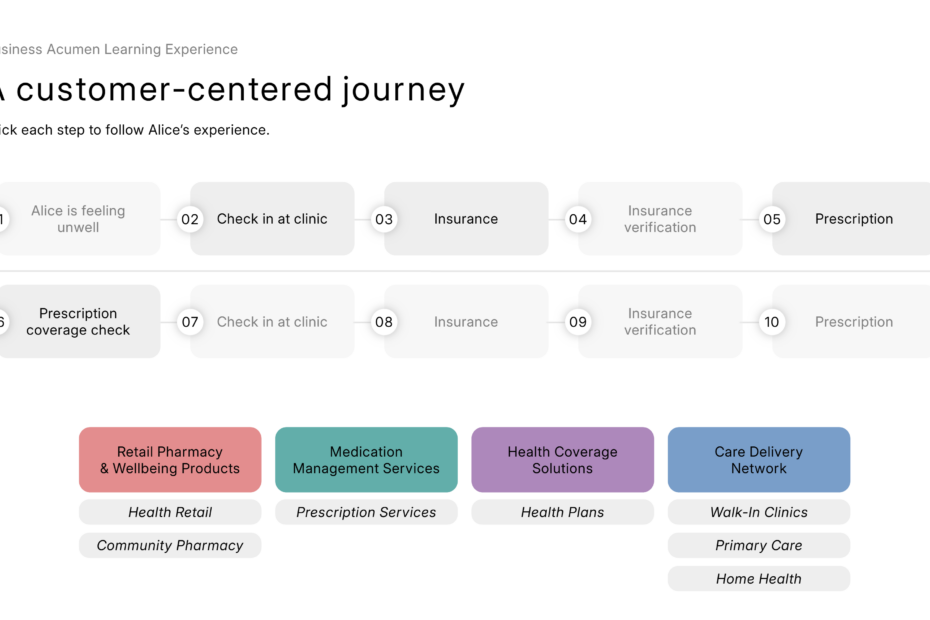
In one of my recent sample mockups, I used JavaScript to enhance the layout and add a more polished, interactive feel to the course. This included custom flip cards, blur effects, shading treatments, and other visual refinements that helped the interface feel more dynamic and engaging. These additions were not only there for appearance. They also supported the learner experience by making content presentation clearer, smoother, and more memorable.
Custom JavaScript can be especially useful when you want to go beyond the default capabilities of an authoring tool. It can help create unique interactions, improve transitions, add advanced animations, and introduce interface elements that better match a specific design vision. In many cases, it also allows developers to solve layout limitations and create a more tailored learning environment.

The goal is never to add effects just for the sake of it. The real value comes when these enhancements support learning, improve focus, and create a more intuitive user experience. Even small details such as subtle shading, controlled blur, or smooth card animations can make a course feel more modern and professionally crafted.
Below is a preview from the sample mockup, showing how JavaScript was used to extend the layout and overall interaction design.
If you are looking to build eLearning that goes beyond standard templates, custom development can open many more creative and functional possibilities.