
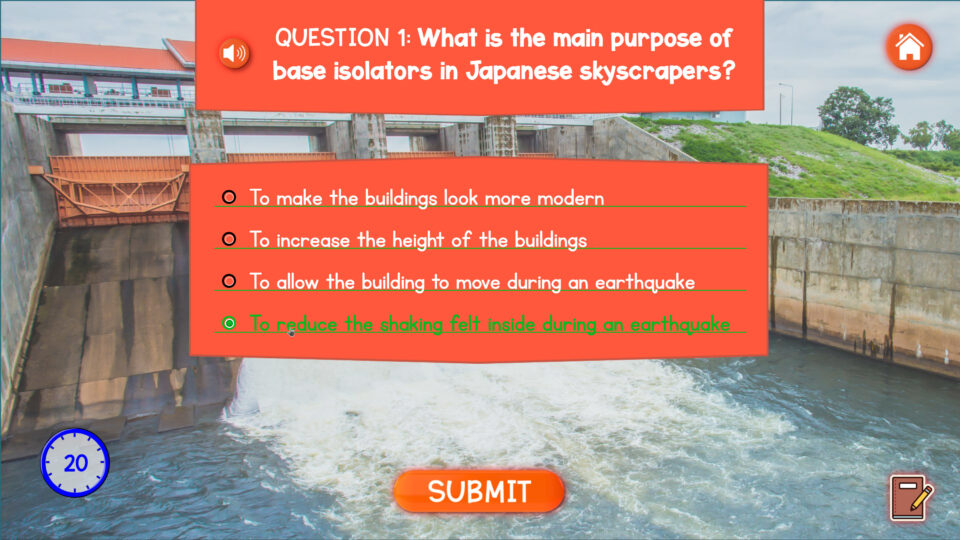
A timer widget in an eLearning quiz can do more than count down. It can become part of the scoring experience. The timer sets the limit for the quiz, keeps the pace clear for the learner, and adds extra value at the end of the activity. When a learner finishes before the time runs out, the remaining time can be turned into bonus points. This creates a simple reward for quick and correct completion.
The idea is straightforward. The learner completes the quiz within a fixed time window. Once the quiz ends, the system checks how much time is left. If there is remaining time, that value adds a small number of extra points to the quiz result. The final score is then based on both quiz performance and speed. This makes the timer feel useful instead of decorative.
Time Left Becomes Extra Points
The main role of the timer is to regulate the quiz. It gives the activity a clear structure and makes the result feel more dynamic. But the stronger feature is what happens when the learner finishes early. Instead of ignoring the unused time, the course uses it as a reward. That means faster completion can improve the final score, as long as the learner also performs well on the questions.
This creates a better balance inside the quiz. Accuracy still matters most, but speed adds another layer to the result. The learner does not just finish the quiz. They also try to finish well and finish quickly.
A Clear Score at the End
When the quiz is completed, the result screen can show more than a normal score. It can display the quiz points, the time left, the bonus points earned from that time, and the final total. This makes the scoring feel transparent and easy to understand.
That kind of result screen also helps the course feel more interactive. The learner can immediately see how the timer affected their performance. Instead of a simple pass or fail moment, the ending becomes more engaging and more game-like.
Final Leaderboard for the Top 6 Players
At the end of the course, all collected points can be brought together into one final leaderboard. This includes the points earned during the course and the final quiz score, including any extra points from the remaining time. The platform can then rank learners from highest to lowest score and display the top 6 players.
Showing only the top 6 keeps the leaderboard clean and focused. It creates a sense of competition without overloading the final screen. For the learner, it adds one more reason to stay engaged until the end. For the course, it turns the final result into a visible achievement.
A Stronger Finish for the Course
This setup works well because it connects three simple elements into one experience: a timed quiz, bonus points for unused time, and a final leaderboard based on total points. The timer controls the pace, the bonus rewards quick completion, and the leaderboard gives the course a strong ending.
Used together, these widgets make the course feel more active, more competitive, and more rewarding from start to finish.